SAP BTP In-App Extensibility vs. Side-by-Side Extensibility
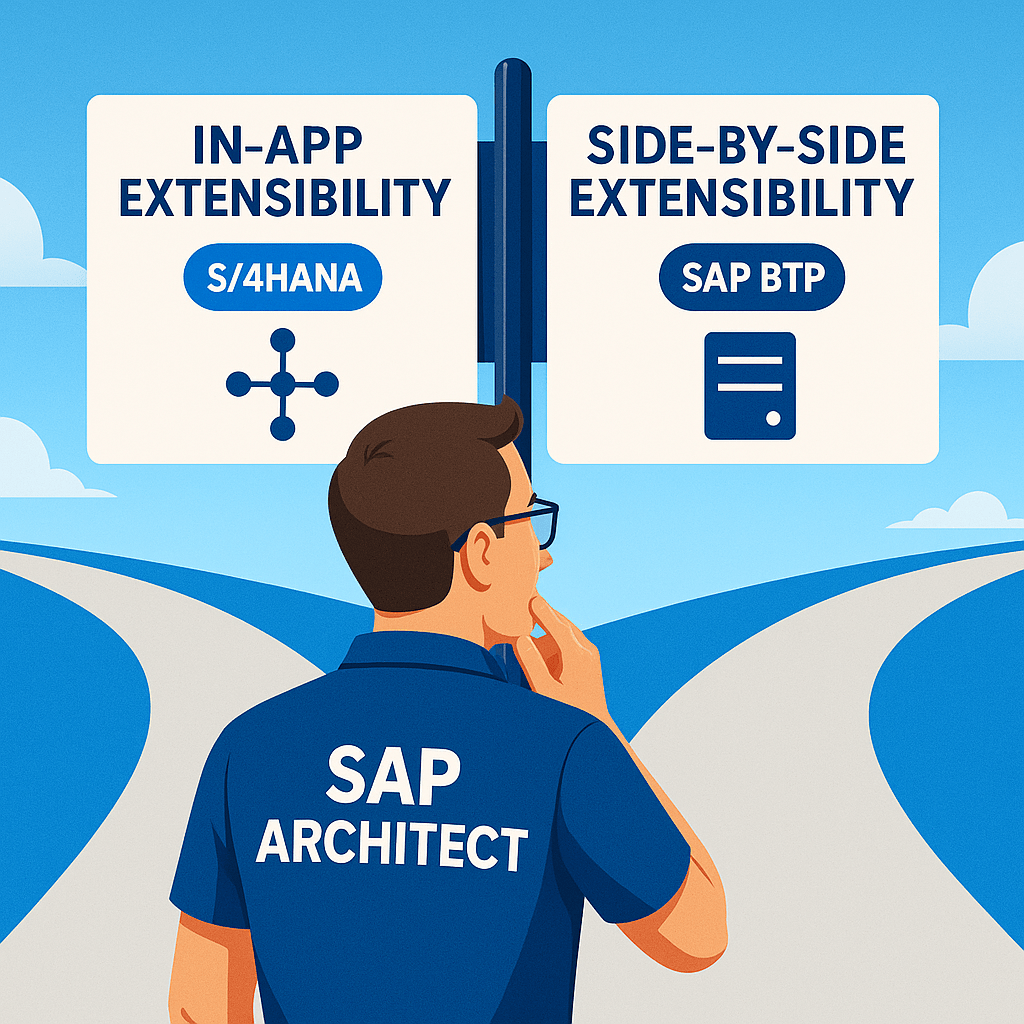
When working with SAP customizations, one of the most common questions I come across is: Should we extend within the core system (in-app) or build a side car extension (side-by-side)? I’ve dealt with this dilemma many times, especially when working with SAP S/4HANA extensions on SAP BTP. With SuccessFactors or Ariba, it’s side by side is typically the only option for complex customizations.
For S/4HANA, however, there’s no straight answer—it depends on what needs to be extended, how tightly it should integrate with the core system, users, scalability, and how much flexibility is needed.
Here’s how I break it down based on my experience.
In-App Extensibility
In-app extensibility is about making changes inside the core SAP system without disrupting its upgradeability or requiring external infrastructure. SAP provides various in-app tools that let you modify standard functionalities while keeping the core clean. Some examples where in-app extensibility gets the job done:
- UI Customizations – If we need to add custom fields, hide unwanted fields, or change forms in SAP Fiori apps, in-app tools such as key user extensibility are the best way to do it.
- Simple Business Logic Changes – Business Rules in SuccessFactors, BAdIs in SAP S/4HANA, and Flexi Workflow Customization allow for easy modifications without needing external development.
- Embedded Custom Applications – Using the SAP Fiori Key User Tools, we can create small embedded apps that work inside S/4HANA without needing external infrastructure.
Pros of In-App Extensibility:
- Upgrade-safe – No impact when SAP releases new versions
- Easy to maintain – Uses standard SAP tools
- Good for UI tweaks and simple business logic changes
- No added platform costs
Cons of In-App Extensibility:
- Limited flexibility – Can only modify what SAP allows
- Hard to integrate with external systems
Side-by-Side Extensibility
Side-by-side extensibility is about building separate applications on SAP BTP (or another platform) that integrate with SAP systems via APIs. This is useful when I need more flexibility or when in-app options are too restrictive. Here are a few examples where side-by-side extensibility shines:
- Complex Custom Applications – If I need an advanced UI, workflows, or non-SAP data sources, building on BTP is better.
- Multi-System Integrations – If an extension needs to pull data from multiple SAP and non-SAP sources (like SuccessFactors + Ariba + third-party APIs), side-by-side is the way to go.
- High Volume Data Processing – If the extension involves heavy processing that could slow down the SAP core (e.g., AI/ML workloads, analytics), it’s better to run it separately on BTP.
Pros of Side-by-Side Extensibility:
- More flexibility – Build anything without SAP restrictions
- Works across multiple systems – Great for hybrid scenarios
- Offloads processing from SAP – Reduces load on core system
Cons of Side-by-Side Extensibility:
- Requires additional infrastructure – Needs SAP BTP or another hosting platform
- API dependencies – Might require building OData or REST APIs
How I Decide Between In-App and Side-by-Side
For most projects, I follow these simple rules:
- If it’s a small UI tweak, field addition, or business rule change → In-App Extensibility
- If it requires heavy customization, multi-system integration, or advanced logic, high scalability, external users → Side-by-Side Extensibility
Both approaches have their place. The trick is to balance flexibility with maintainability while keeping the SAP core as clean as possible.